
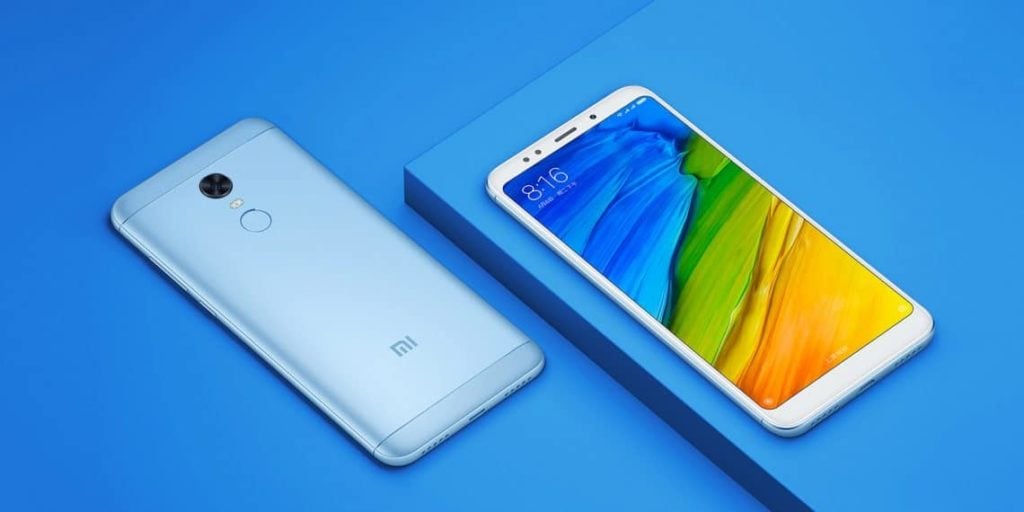
Redmi 5 Plus/Note 5 was released with some minor improvements over Redmi Note 4 but it still runs on Android Nougat while the competition is on Android Oreo. A leaked MIUI ROM (Android oreo) is already out but it gave Permanent Screen burn when it was flashed on some devices so stay away from it.
MIUI 10 is still miles away from getting a “Stable” tag for Redmi Note 5/5+. But the development for Redmi Note 5 is going in a good direction as Project treble supported Custom ROMs already released. Check out these two best treble Custom ROMs for Redmi Note 5/5 Plus
Also read:
GCam: Download and Install on your Device
Best Custom ROMs for Redmi Note 4
Table of Contents
Android Oreo Custom ROMs with Project Treble Support for Redmi Note 5/5 Plus
Thanks to the developers blacksuan19 and mdeejay who have been working hard to make stable Custom ROMs and we have finally few Stable builds which can be used as a Daily driver.
DotOS
DotOS is maintained by blacksuan19 and the latest build of Dotos is fully Stable with no major bugs.
There were some major bugs in all Android Oreo ROMs like Non-Working FPC Fingerprint, Random Reboots, and Interactive Governor. Thanks to the mdjeey for all the fixes.
XDA Thread (Check this Thread for Updates and Changelog)
Although it is an Unofficial build, it will be Official soon as the ROM is fully Stable.
LineageOS
The first Stable Android Oreo build, LineageOS by mdjeey is a fully Stable ROM with all Lineage features working perfectly.
XDA Thread (Check this for Updates and Changelog)
How to flash Treble Custom ROMs on Redmi Note 5/5+
You need:
Unlocked Redmi 5 Plus/Note 5
Zip file of ROM
Magisk Cust for Rooting (Optional)
Flashing Procedure
- Flash the TWRP Treble or RWRP Treble. If you are on TWRP (Non-treble) then you can still flash the ROM but after that, you need treble TWRP to flash Magisk Cust or any other Patch.
- Boot into Recovery and Perform a Full Wipe including Vendor.
- Install the ROM zip file and then GApps.
- Install Magisk Cust if you want root access
- Reboot
The first boot takes time and you will also get a Vendor mismatch Warning on Startup, just ignore the warning.


